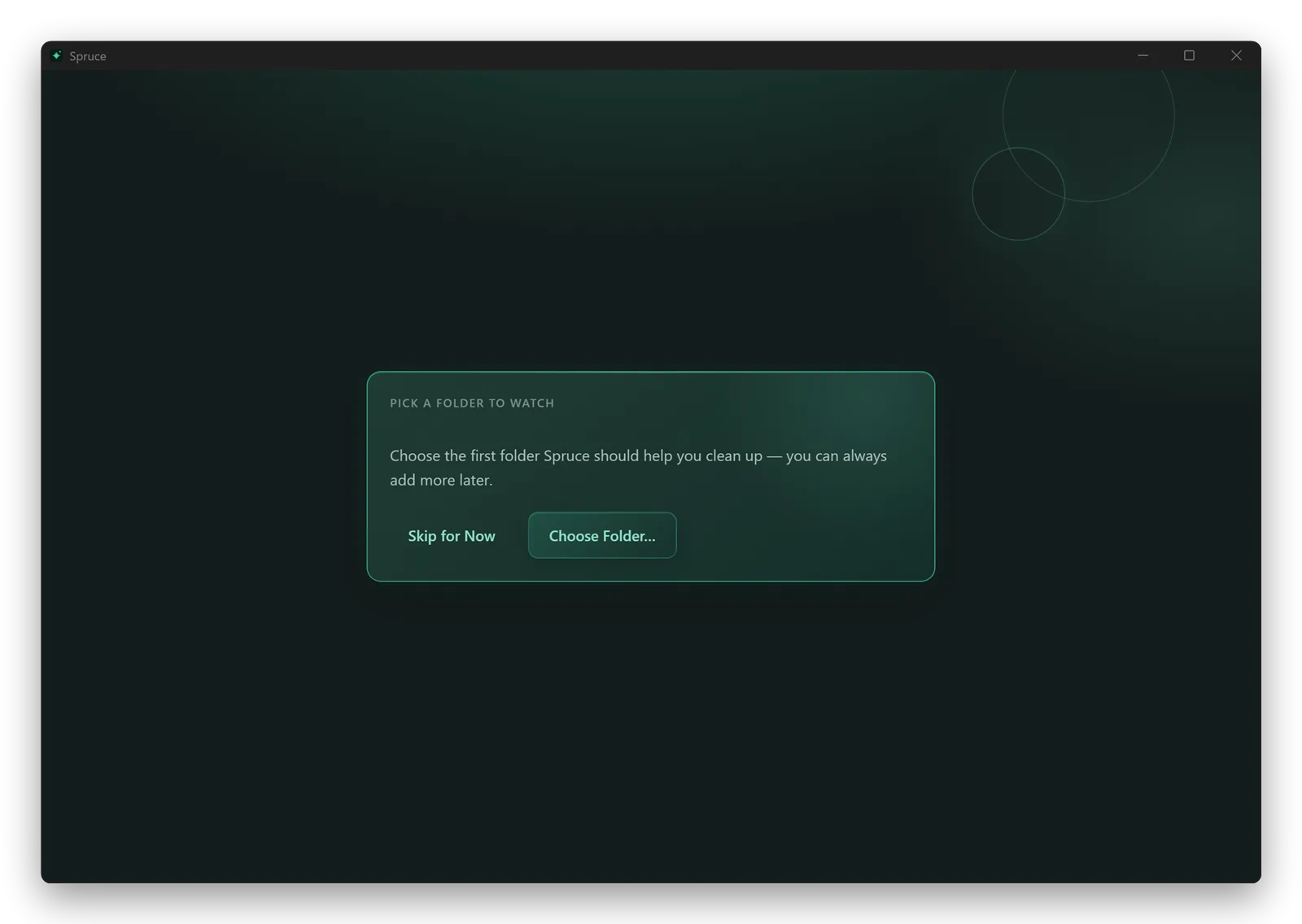
Drag in a folder
Drop a folder on Spruce and start with it already selected.
Features
Run a quick instruction, save a reusable flow, or schedule one for later.
Drop a folder on Spruce and start with it already selected.
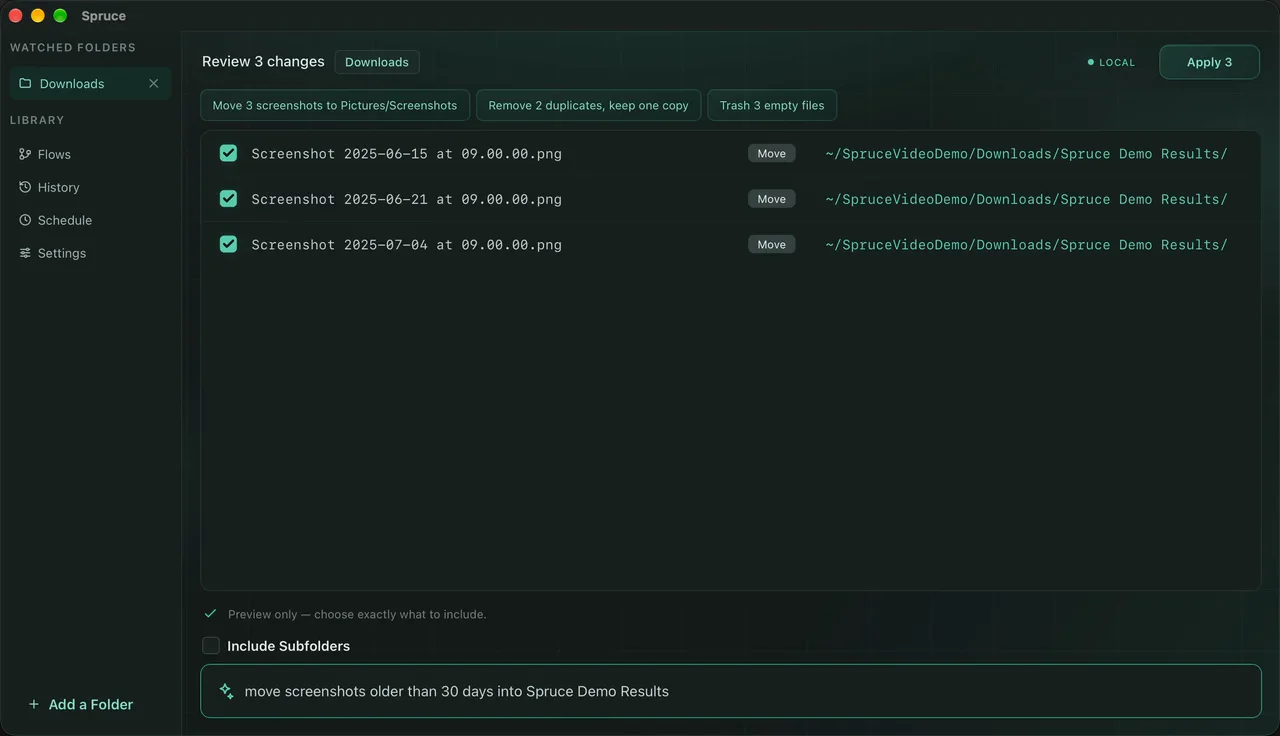
Try “trash zips over 100 MB” or “rename invoices with their date.”
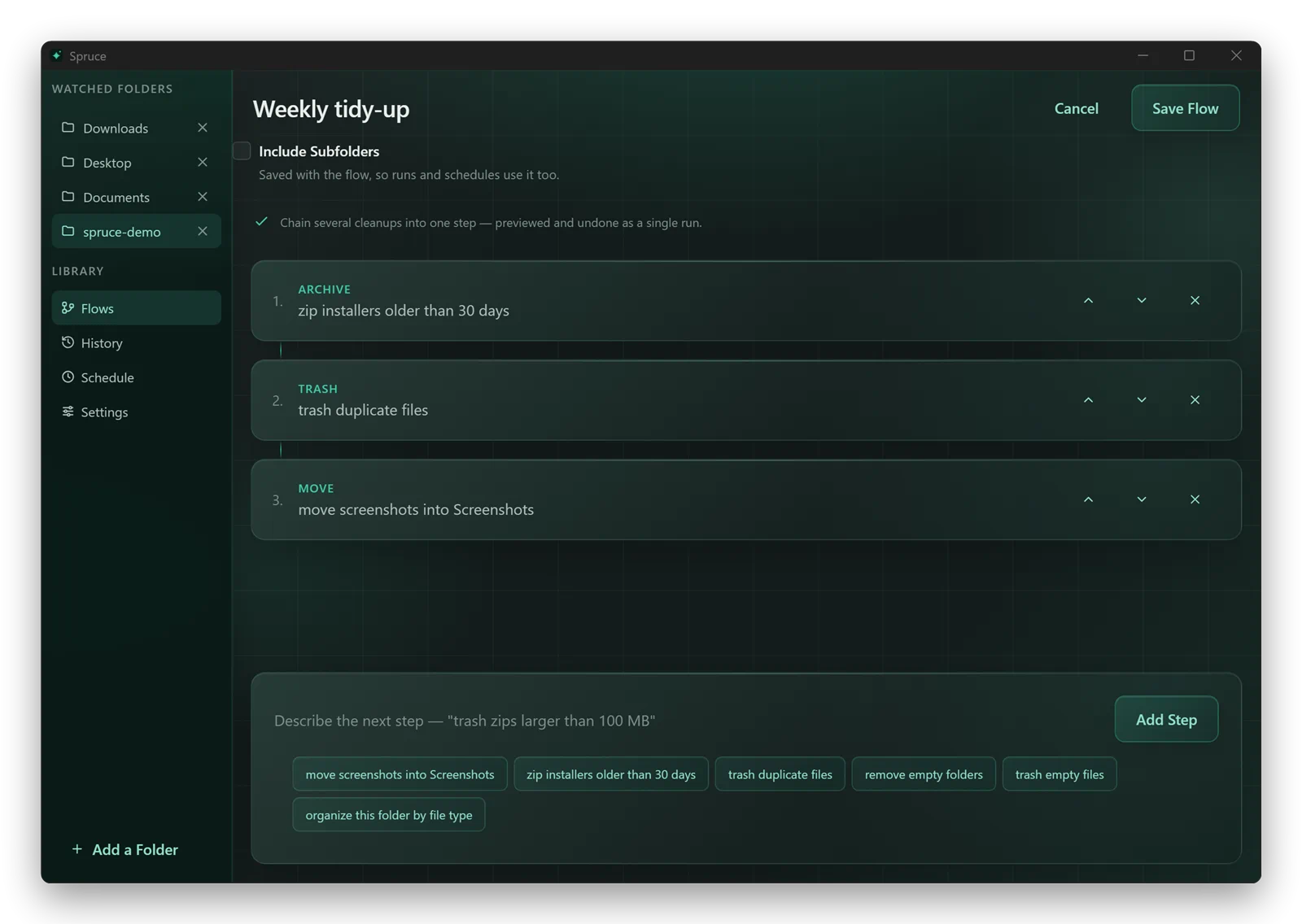
Put several cleanup steps together and reuse them later.
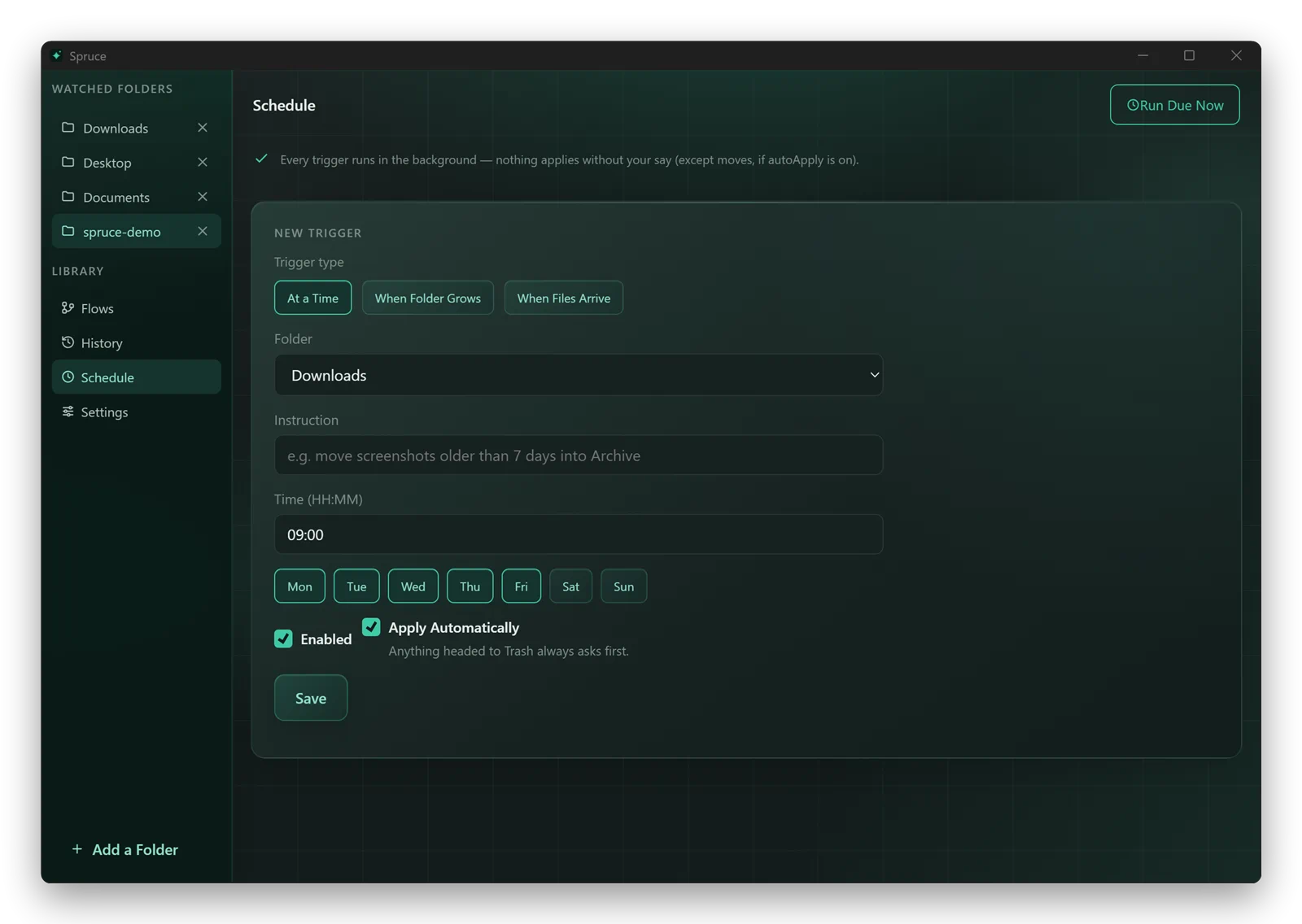
Beta schedules run while the app is open. Background runs are not in this release.
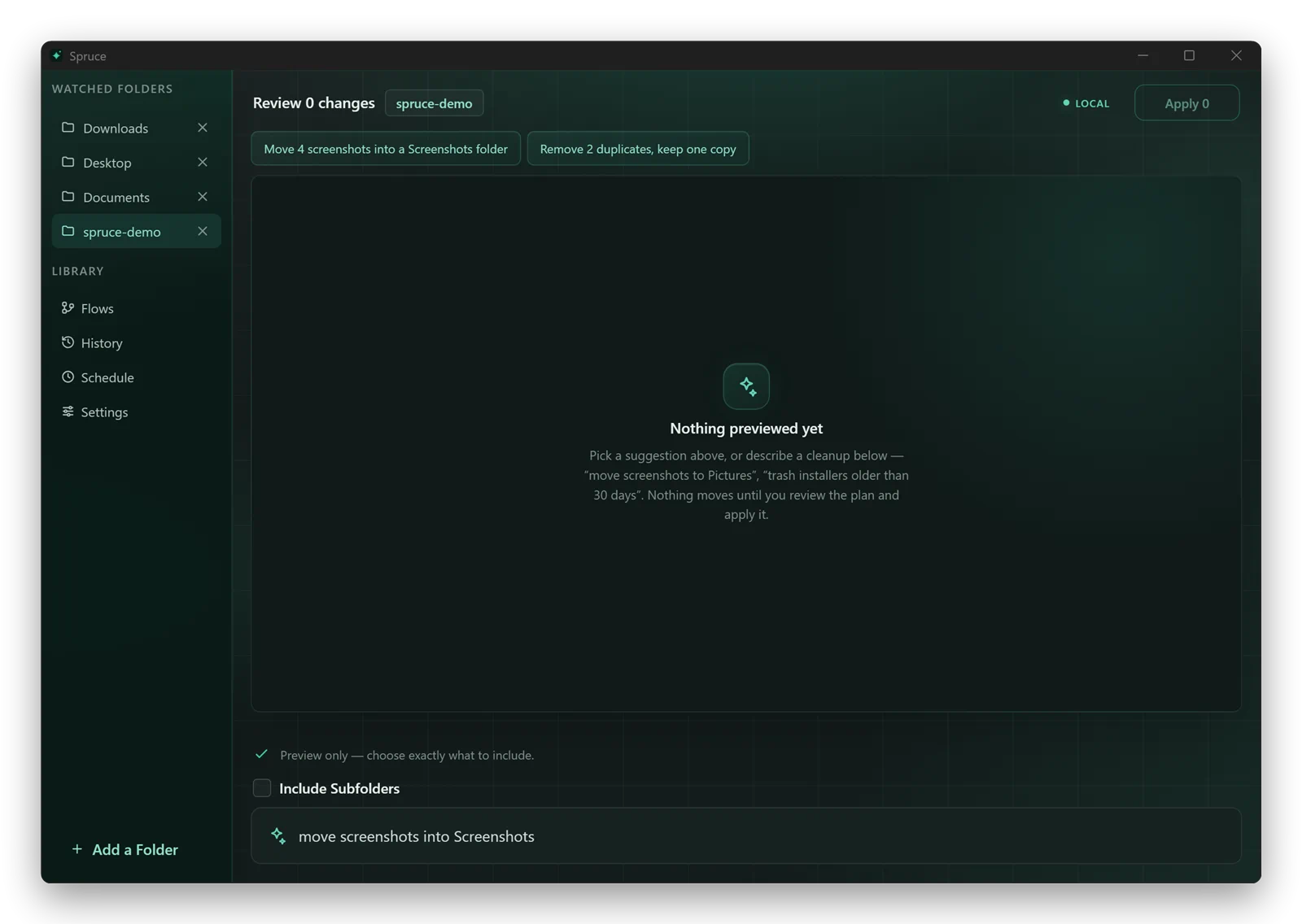
Spruce can spot screenshots, duplicates, and old installers worth reviewing.
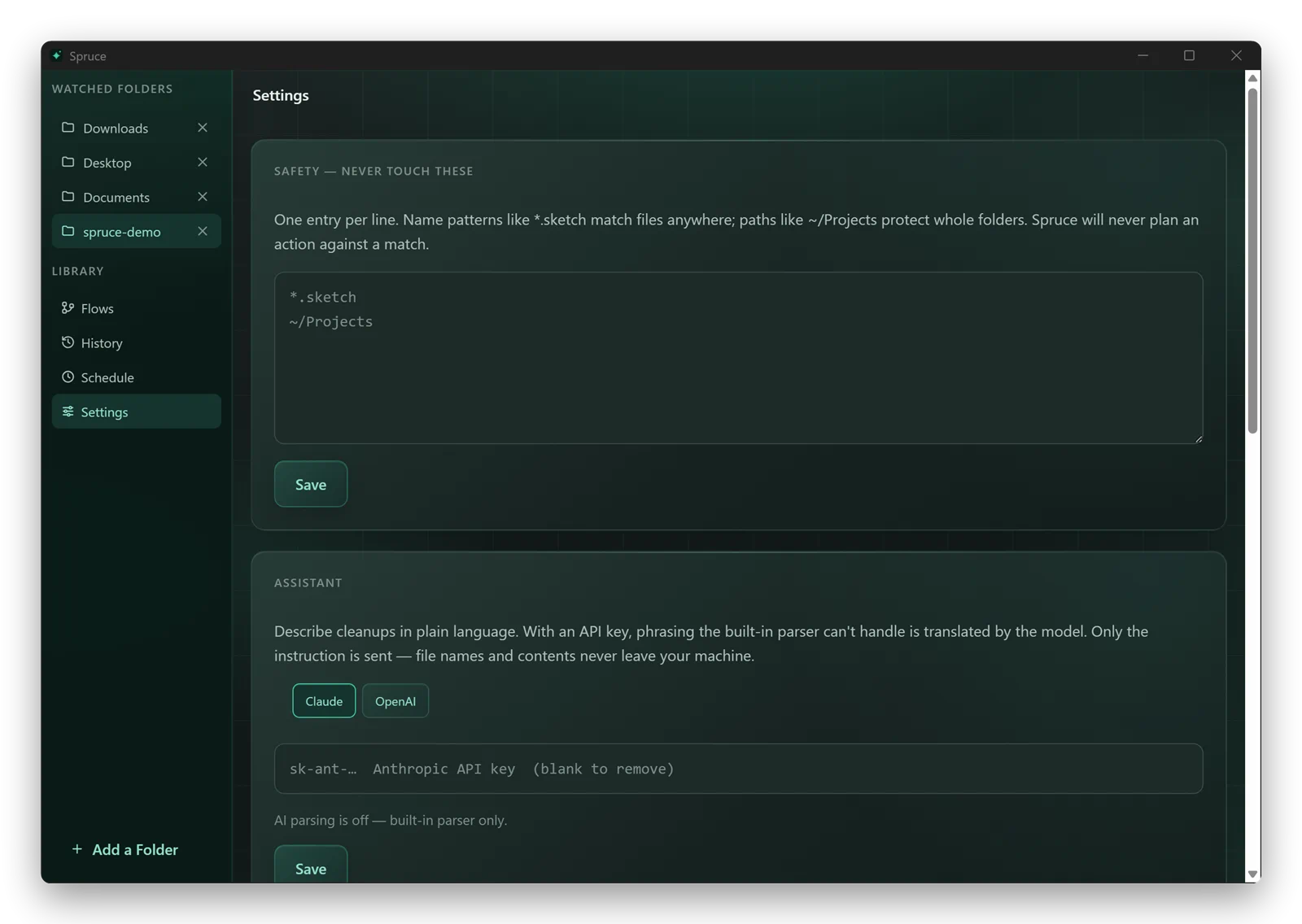
Add names, extensions, or folders that Spruce should leave alone.
Inside the app
Spruce 1.0.0 for macOS
See each file and destination, then untick anything you want to leave alone.
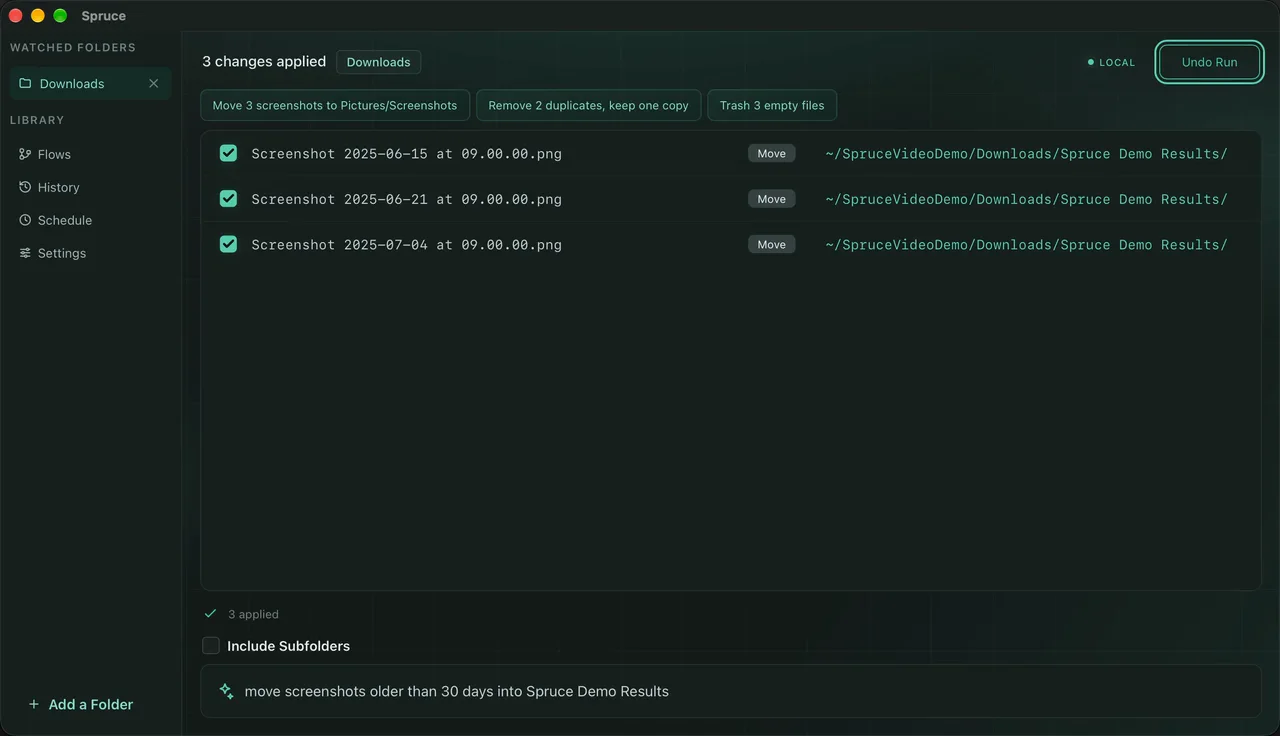
Spruce reports what changed and keeps Undo Run available when the files can still be restored.
Local by default
Spruce scans, previews, and applies changes locally. Optional AI parsing sends the instruction you type, not your files.